
Jackson Township Police Records
Jackson Township is a large community in Ocean County, New Jersey, with a population near 58,000. It covers over 100 square miles in the central part of the state, making it one of the largest townships by area in New Jersey. The Jackson Township Police Department maintains police records for all law enforcement activity. These police records are available to the public under New Jersey's Open Public Records Act. This page explains how to access Jackson police records and related data.
How to Get Jackson Police Records
You request Jackson police records through OPRA. This is the Open Public Records Act. It gives the public the right to ask for government records. The Jackson Township clerk handles all OPRA requests for the municipality.
Start with an OPRA request form. Write down what records you want. Be clear. Include dates, names, or report numbers if you have them. The more detail you give, the faster the clerk can find your records.
Submit the form to the Jackson Township clerk's office. You can deliver it in person, mail it, or email it. The township website at jacksontwpnj.net has forms and contact information for making your request.
The Jackson Township website provides access to forms and department contacts for police record requests.
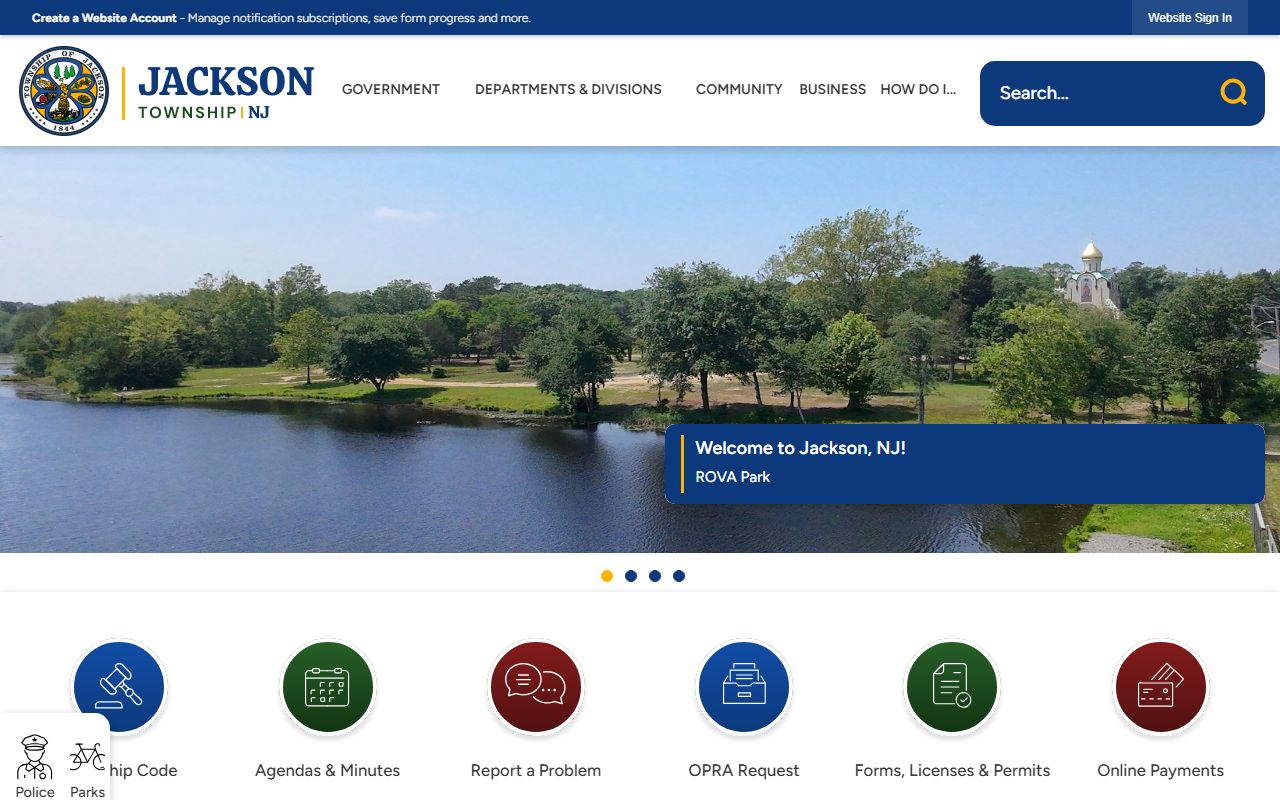
Office hours, phone numbers, and addresses for Jackson Township offices are listed on the site.
The township has seven business days to respond. They will provide the records, deny the request with a reason, or ask for more time. If denied, you can appeal to the Government Records Council.
Jackson Police Records and the GRC
Jackson Township has been involved in a notable Government Records Council case. In Raymond Cattonar v. Township of Jackson Police Department (GRC 2011-230), the GRC addressed questions about access to Uniform Crime Reports and records related to Executive Order 26.
Executive Order 26 requires state agencies and law enforcement to report certain data. The Cattonar case looked at whether the Jackson Police Department had to provide specific records tied to UCR reporting and the executive order. The GRC reviewed the request and issued findings on what the department was required to release.
This case is relevant because it clarifies the scope of police record access in Jackson. It shows that requests tied to state reporting requirements may be treated differently than standard incident or arrest report requests. The decision helps define what the public can expect when asking for crime data and reporting documents from the Jackson police.
Note: You can search past GRC decisions at nj.gov decisionsearch to read the full Cattonar ruling and other cases involving Jackson Township.
Types of Jackson Police Records
The Jackson Police Department creates records during its daily work. Here are the main types you can request.
Incident reports document calls for service. They show the date, time, location, and a summary. These are the most common records people request. Arrest records show who was taken into custody and the charges. Traffic crash reports cover vehicle accidents investigated by Jackson police.
Call logs list all calls received by the department. Use-of-force reports document when officers used physical force. These are public under New Jersey's reporting rules. Domestic violence reports, missing person reports, and other specialized documents are also maintained.
Some records are exempt. Active investigations, juvenile files, and records that could endanger someone are the most common exemptions. The custodian applies these exemptions when processing requests for Jackson police records.
Jackson Crime Data
Crime data for Jackson is published each year in the Uniform Crime Reports by the New Jersey State Police. These reports list the number and type of crimes reported in every municipality. You can see how many violent crimes and property crimes occurred in Jackson during a given year.
Access the UCR data at nj.gov/njsp/ucr. Find Ocean County in the tables and locate Jackson. The data is free to view and download. Comparing data from several years reveals trends in Jackson's crime patterns.
The New Jersey State Police UCR page has yearly crime data for Jackson and all other municipalities in the state.
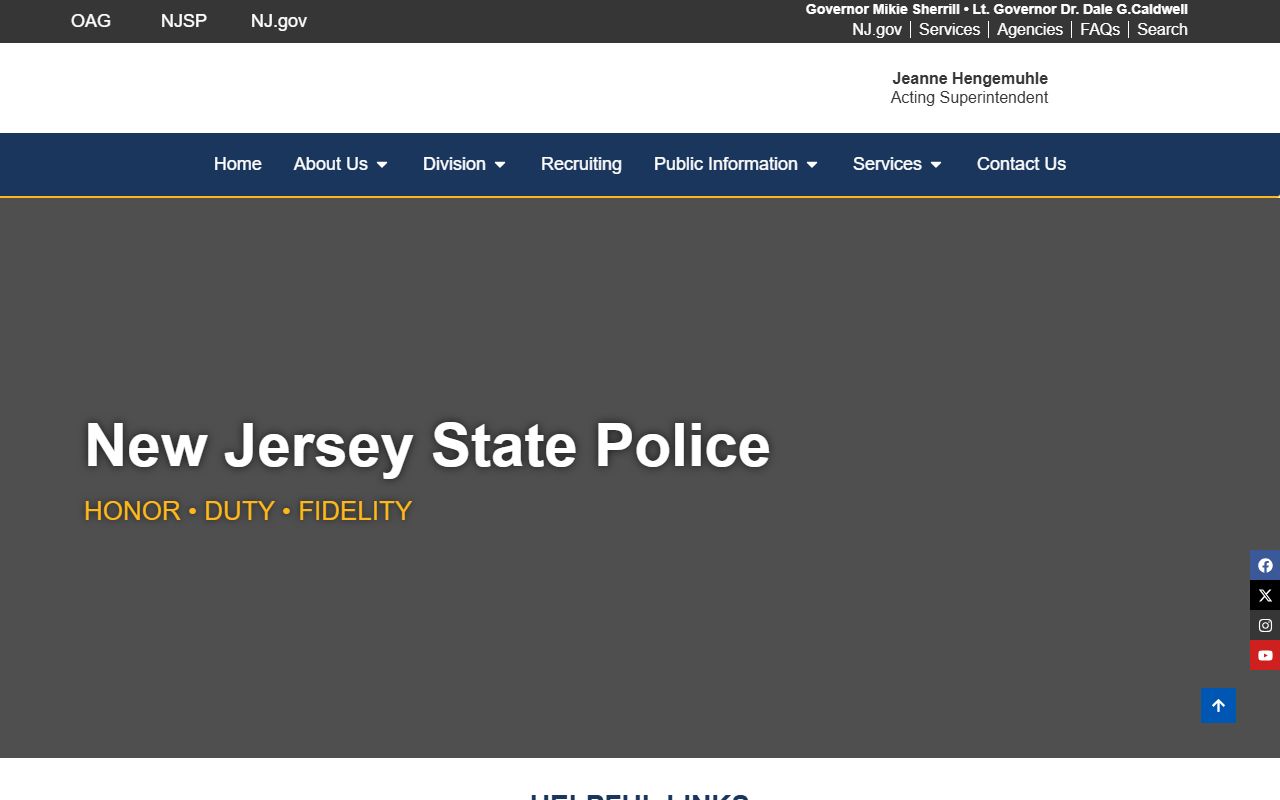
Select the year and county to find Jackson's crime totals in the report tables.
Jackson's large geographic area means crime is spread across many neighborhoods and roadways. The township covers rural, suburban, and commercial zones, each with different types of police activity.
Ocean County Prosecutor and Jackson
The Ocean County Prosecutor's Office handles serious criminal cases from Jackson. After an arrest for an indictable offense, the prosecutor takes over. They present the case to a grand jury and manage the court proceedings.
Prosecution records are separate from Jackson police records. The prosecutor keeps its own case files. Contact them at oceancountyprosecutor.org for records on cases that started with a Jackson arrest. They handle their own OPRA requests.
The prosecutor also coordinates major investigations in Ocean County. If a case in Jackson involves multiple agencies, the prosecutor may lead the effort. Records from those joint investigations are held at the county level.
Note: The Ocean County Prosecutor's Office is in Toms River, the county seat, which is about 20 miles from central Jackson.
OPRA Tips for Jackson Requests
Here are some tips for getting Jackson police records through OPRA. Following these steps can save time and reduce delays.
Be specific in your request. Ask for a particular report by date, location, or case number. Broad requests like "all records from last year" are likely to be denied as too vague. Focus on what you actually need.
Use the right form. The state model form is available at nj.gov/grc/public/request. It works for any agency in New Jersey, including the Jackson Police Department. You can also use the township's own form if they have one.
Track your deadlines. The township has seven business days to respond. If you do not hear back, follow up. Keep copies of your request and any communication. If you need to appeal a denial, these documents will support your case with the GRC.
The state OPRA page explains the full law and your rights when requesting Jackson police records and other government documents.
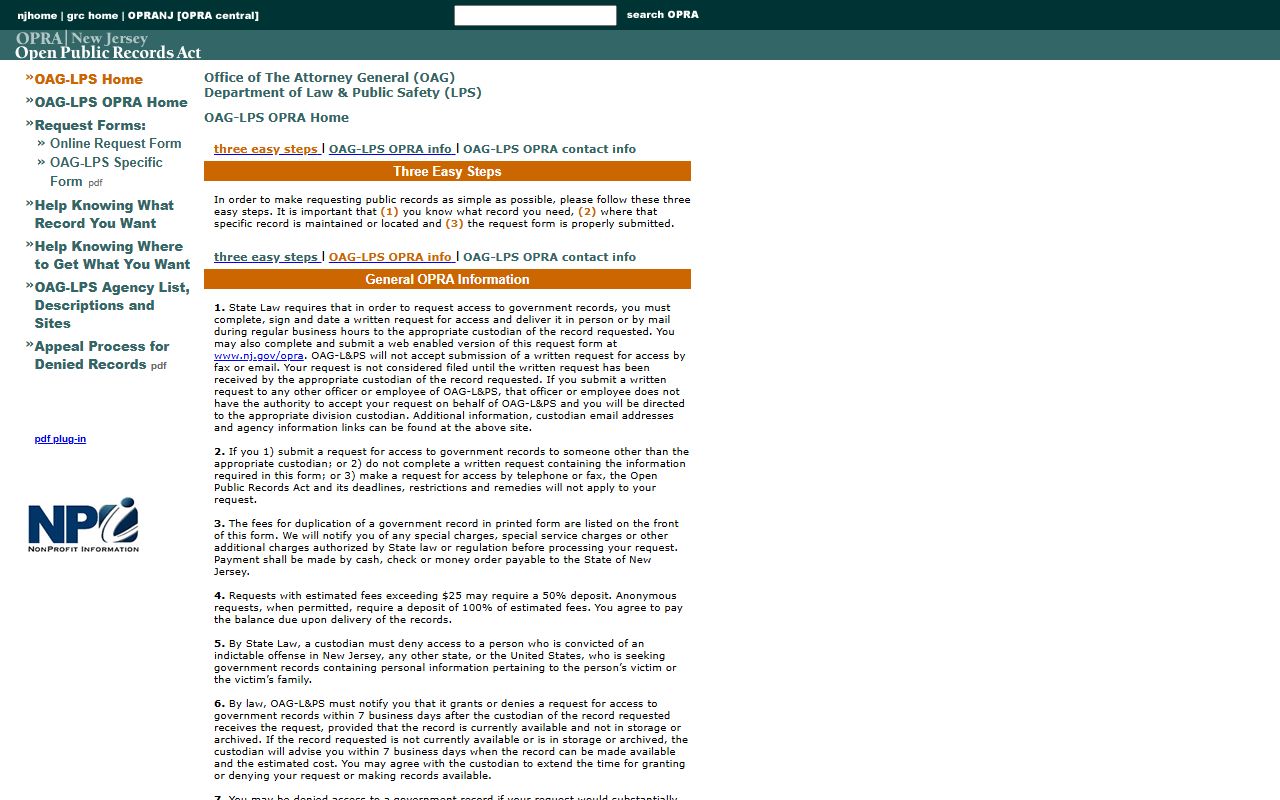
The OPRA page lists exemptions and provides guidance for making effective requests.
Jackson Court Records
After a police arrest in Jackson, the case moves to court. Minor offenses go to the Jackson Township Municipal Court. Serious charges go to the Ocean County Superior Court in Toms River.
Search court records at njcourts.gov. The site covers all New Jersey courts. Enter a name or docket number to find case information. Basic details are free. For copies of court documents, contact the court clerk handling the Jackson case.
Municipal court handles traffic tickets, disorderly persons offenses, and local ordinance violations. Superior Court handles indictable crimes, civil suits, and family matters. Both court levels maintain records connected to Jackson police activity.
Ocean County Police Records
Jackson is part of Ocean County. The county prosecutor, jail, and Superior Court all handle records from Jackson cases. For more on county-level police records and resources, visit the Ocean County page.